

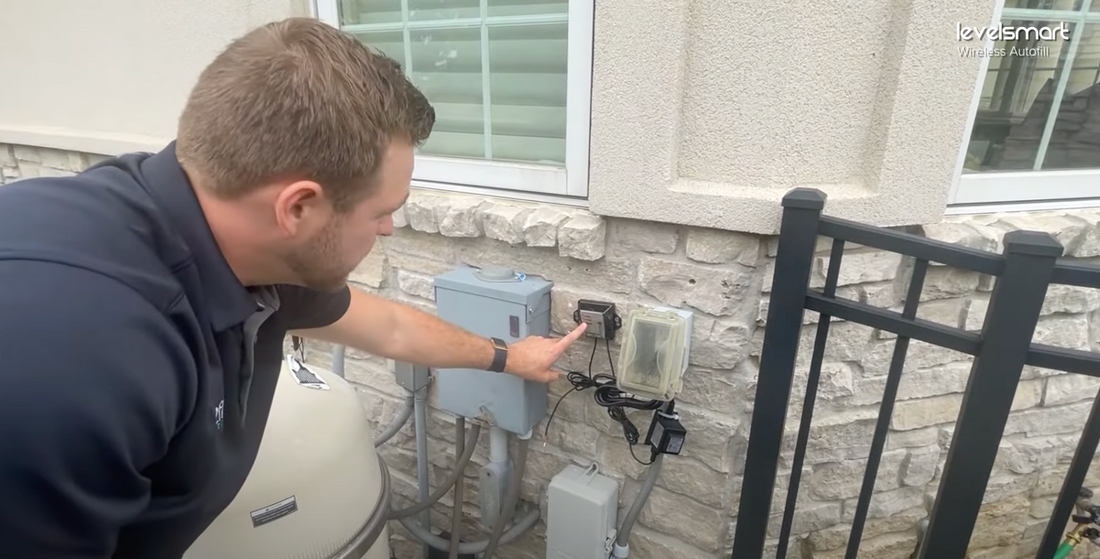
The pairing process takes 2.5 minutes to complete. The pairing process will ensure that you have good communication between the sensor and the valve controller along with a calibrated water level. You can reach the instructions or follow along with the video below.
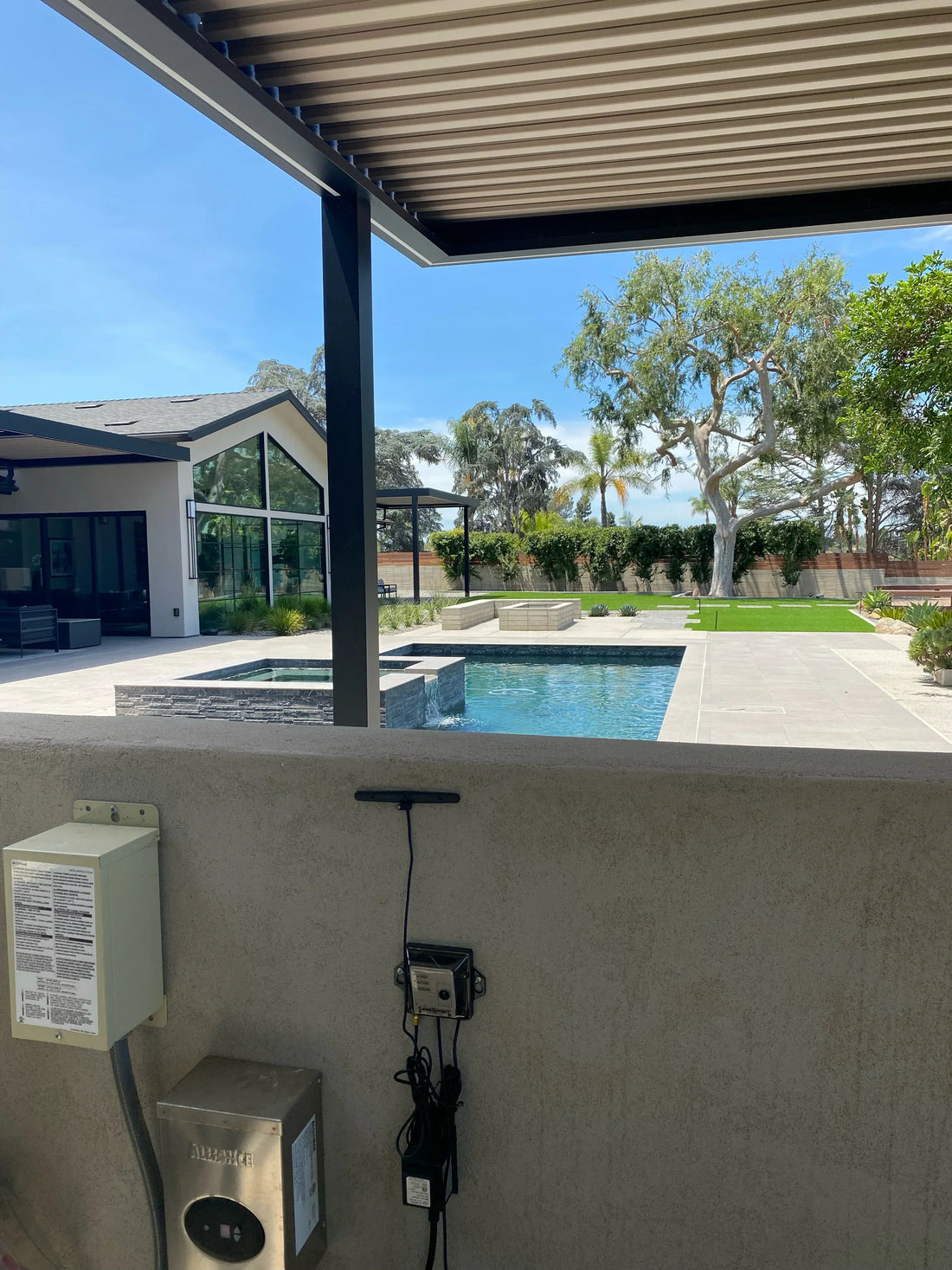
Before starting make sure the Antenna and antenna tip is connected and mounted. Also, have the sensor near the installation location if not already adhered.
Put Valve Control in pairing mode
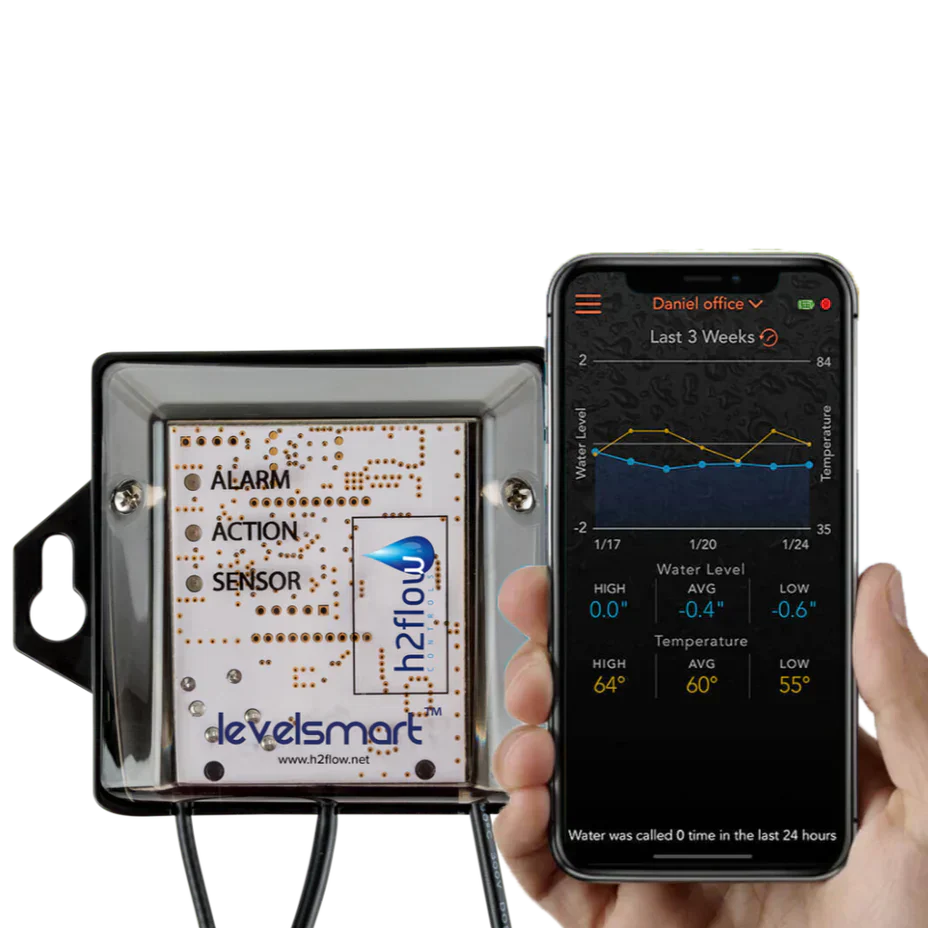
To put the Valve Controller in pairing mode, place the magnet provided on the Valve Controller for more than 16 seconds, then remove it. Once removed, the three LEDs will flash in a scrolling sequence from bottom to top.
Put Sensor in Pairing Mode
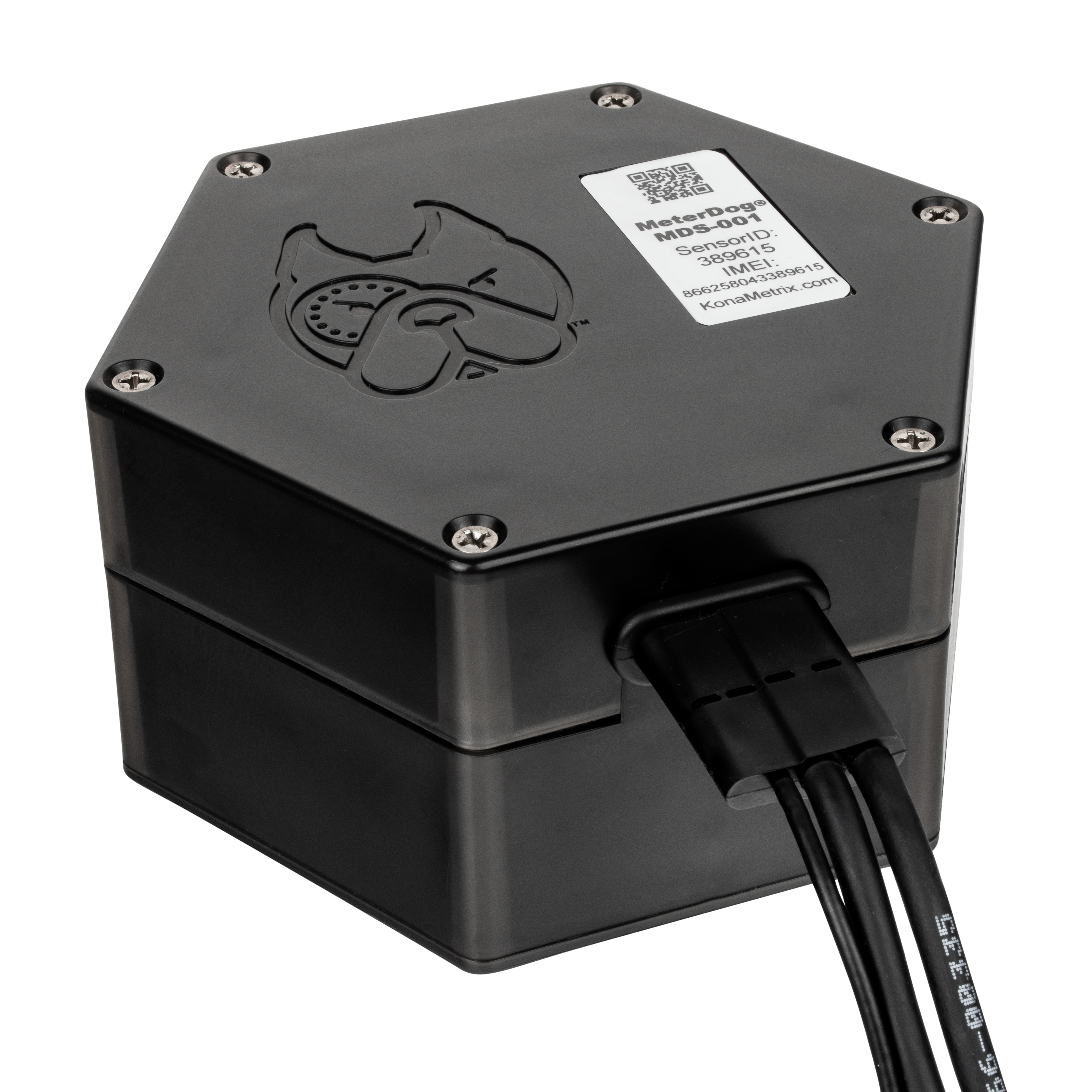
Now that the Valve Controller is in pairing mode it's time to activate the pairing mode for the sensor. Take the magnet to the Sensor and engage the Sensor by placing the magnet on the right side for 5 seconds, then remove it. Once removed, the Sensor LED will flash three times from the top center of the Sensor.
Confirm Successful Pairing
Check the Valve Controller to observe the pairing process status.
The Valve Controller Action LED will flash continuously for a total of two and a half minutes while it confirms the connection with the sensor and calibrates the set level. Once this process is finished the solid green action LED will be on the Valve Controller.
If this is not the case, the pairing was unsuccessful and you may have to move the antenna location. Be sure the antenna is not against any metal as that will interfere with the signal. Once you have adjusted the placement restart the pairing process.
You can also follow along with this video for the pairing process
1 comment
Does the new units fix the problems from the older units? I am debating if I should toss my system for a more dependable system, the old toilet valve type, along with a replacement for the Drain Smart, which O bought but can not use with a level smart.
Is there a written documentation for the system actions and controls along with the lights meaning, your videos are painfully and dot address any trouble shooting in a meaningful way.
The best way to reset is by turning the power off for a bit and re-pairing and resetting, but this is not always successful because it seems to send fill actions when the pool is overfilling.
I have dealt with this mess for so long. I forget how frustrating it is. When are you going to improve it and fix it’s issues?
Bill Brehm
703-861-1043